We Tested the Vistaget Golvia Ultra. Here’s the Verdict.
Premium features and impressive performance. But can it top its own predecessor?
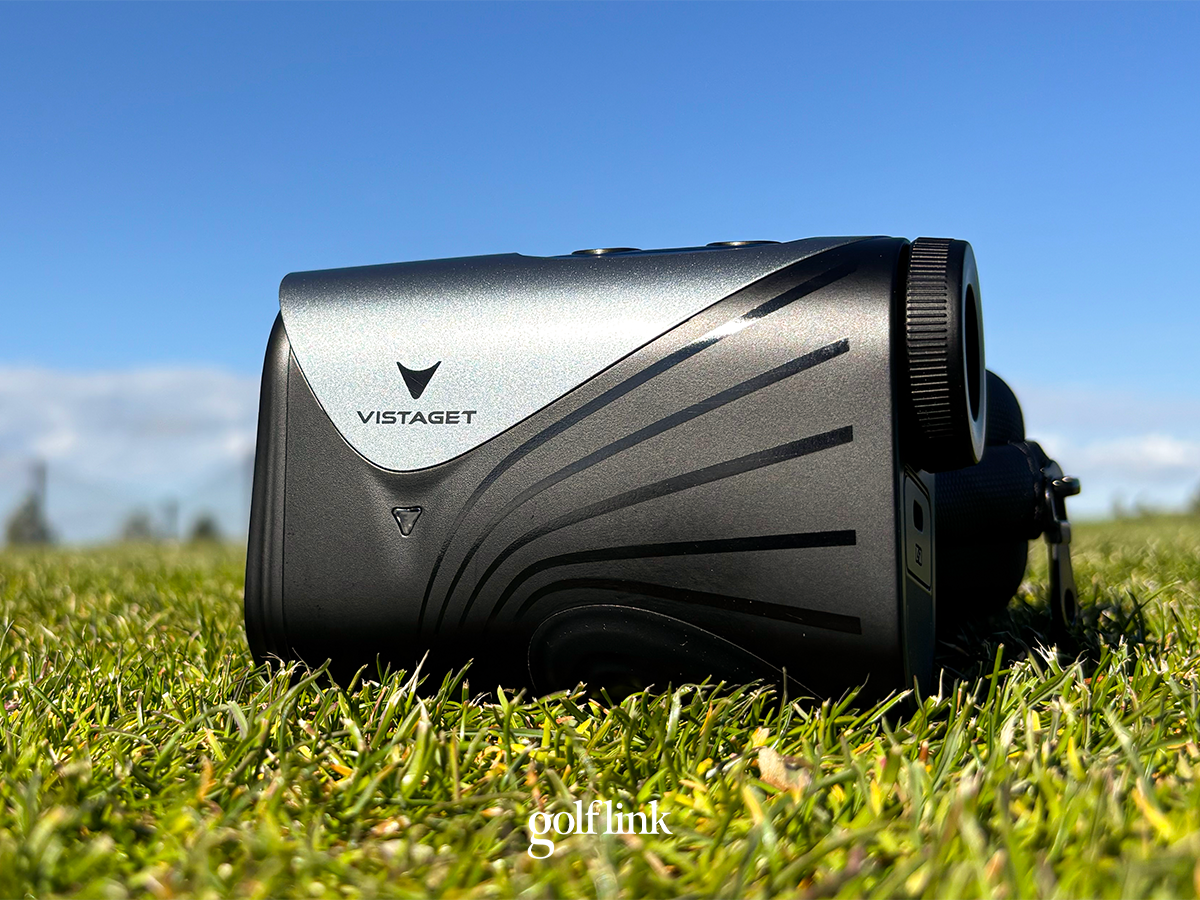
Last year I tested a rangefinder from a brand I had never heard of before – Vistaget – and it scored a perfect 100/100 in our testing.
So when Vistaget released a more premium version, the Golvia Ultra, I was intrigued.
Now that I’ve put the Vistaget Golvia Ultra through our standardized rangefinder testing, I’m convinced that Vistaget is more than a one-hit-wonder on the rangefinder market. But the Golvia Ultra couldn’t quite live up to its predecessor’s perfect score.
Here’s everything we learned testing the Vistaget Golvia Ultra.
How We Test Rangefinders
Every rangefinder we review is tested both on the course over at least 18 holes, and in a controlled, premeasured environment with precisely measured distances. This testing verifies accuracy within inches and compares performance across key categories like speed, optics, and ease of use. Learn more about how we test rangefinders.
Vistaget Golvia Ultra At a Glance
SHOP VISTAGET
CHECK AMAZON
Price: $299
10% OFF: VTULKOL10% (Vistaget) / VGULTRA10 (Amazon)
Slope: Yes
Power: USB-C
Magnetic Mount: Yes
Performance Score: 96/100
Best For: Easy-to-use features, clear optics
Pros:
- Accurate within less than 1 yard
- LCD display with Optical Image Stabilization delivers best in class optics
- Club recommendations without additional connectivity required
- Straightforward on-course functionality
- Triangulation is accurate and convenient
Cons:
- No external slope on/off toggle
- Setting up club distances is a chore
|
Accuracy |
9/10 |
|
Optics |
10/10 |
|
Ease of Use |
8/10 |
|
Features |
10/10 |
|
Speed |
9/10 |
|
Magnet |
8/10 |
|
Triangulation Bonus |
+9 |
|
Performance |
96/100 |
|
Value |
7.4/10 |
|
Total Score |
93/100 |
The Vistaget Golvia Ultra is for golfers who want high-level functionality without any on-course hassle.
One of the coolest features is that it’s equipped with AI Environment Compensation. I’m not sure how it pulls all this off, but it registers the atmospheric pressure (I didn’t even know that was something I needed to consider in my club selection, but here we are), temperature and humidity, and factors all that in, plus slope to the compensated distance. If you have Smart Club Recommendations turned on, it will recommend your club based on all of that information, not just sheer distance.
It’s easy to toggle to the mode you need, whether it’s slope, triangulation, or just raw distances. The club recommendations in the viewfinder are a huge bonus, and that triangulation feature is really convenient when you need it.
Vistaget Golvia Pro Review: Accuracy Within Inches?
Accuracy: 9/10
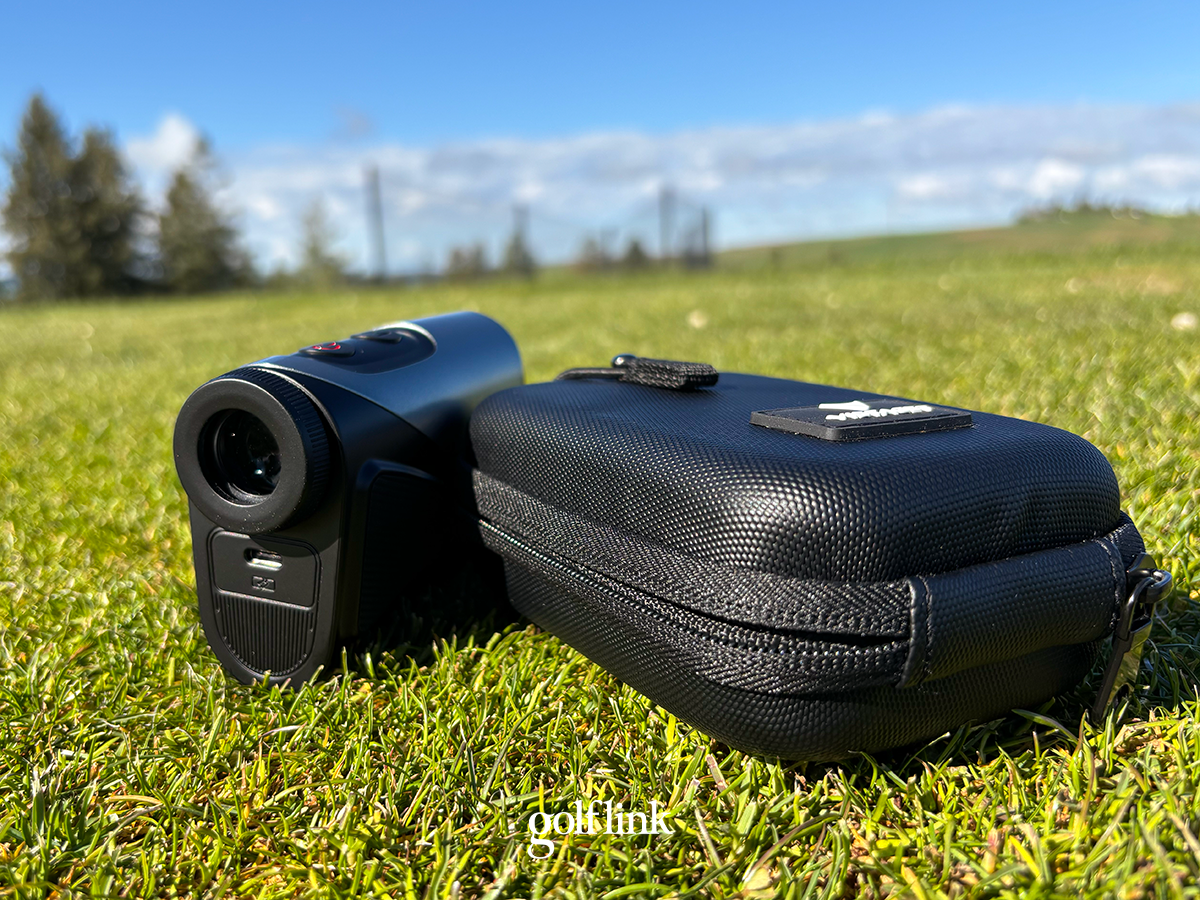
In our testing, the Vistaget Golvia Ultra was consistently accurate within less than a yard. It fell just short of a perfect score, which is reserved for units accurate to within a foot on every shot, but you’ll never have to think twice about your distance with the Golvia Ultra.
Best Golf Rangefinders (Tested & Ranked)
Optics: 10/10
The Golvia Ultra uses an LCD display, Optical Image Stabilizer, and 6x magnification. The result is a crystal clear image that I actually prefer head-to-head against premium alternatives from Bushnell and Blue Tees.
Optics have never been a drawback on any rangefinder I’ve tested, so I wouldn’t pay extra for best-in-class glass alone, but it’s a nice bonus on a rangefinder that’s already strong across the board.
Golvia Ultra Features & Ease of Use
The Golvia Ultra has plenty of features, but the two I found most compelling are the personalized club recommendations and triangulation mode.
Personalized Club Recommendations
First is the personalized club recommendations. When you shoot a target, you get a personalized club recommendation in the viewfinder as well. Some rangefinders that provide club recommendations pull those from launch monitor data or an app. That can help accuracy but in my experience it’s more frustrating than functional.
With the Golvia Ultra, you pre-program your own club distances into the unit – which is also clunky – then get recommendations on the course. While inputting club distances into the rangefinder is a chore, I actually prefer it to some alternatives. It takes any frustration from the process off of the golf course, which is great. I’ve tested other units where you have to pair the unit to an app before the round, then navigate in the app to sync club recommendations, and it’s not only tedious but it’s also distracting and frustrating in a moment when focus and composure are paramount.
Initially I thought that club recommendations based solely on my own inputs was a bit silly. But in practice, it came in handy on the course. I used the club recommendations as a starting point, then factored in lie and the safe miss, and found it to be a nice guide.
For beginners and junior golfers, it can create independence. My wife joins me for golf a couple times a year. She doesn’t play enough to have a deep understanding of her game, but she’s competitive enough that she wants to play well. At least once a hole, she’ll yell to me from 50 yards away “what club?” and of course I have no idea her yardage, lie, or stock distances. Setting the Golvia Ultra to her stock distances would give her the independence to make that decision.
Triangulation
I don’t use the triangulation feature very often – maybe once a side – but when I do, it always feels good.
While testing the Golvia Ultra, I hit a shot into an adjacent fairway that was down a steep hill from the hole I was trying to play. Not only did I have no chance of seeing the flag from there, but I had no interest in lugging my bag down, then back up the hill. However, there was out of bounds long and a steep, fescue-laced hill short, so I needed to hit a precise shot.
Enter triangulation mode. I shot my ball, then shot the flag, then got a precise distance, and walked away stress-free.
The “Mode” button and intuitive on-screen icons make it foolproof to switch in and out of triangulation mode, and our testing proved that the Golvia Ultra’s triangulation accuracy is just as good as its straight-distance accuracy.
Design & Build Quality
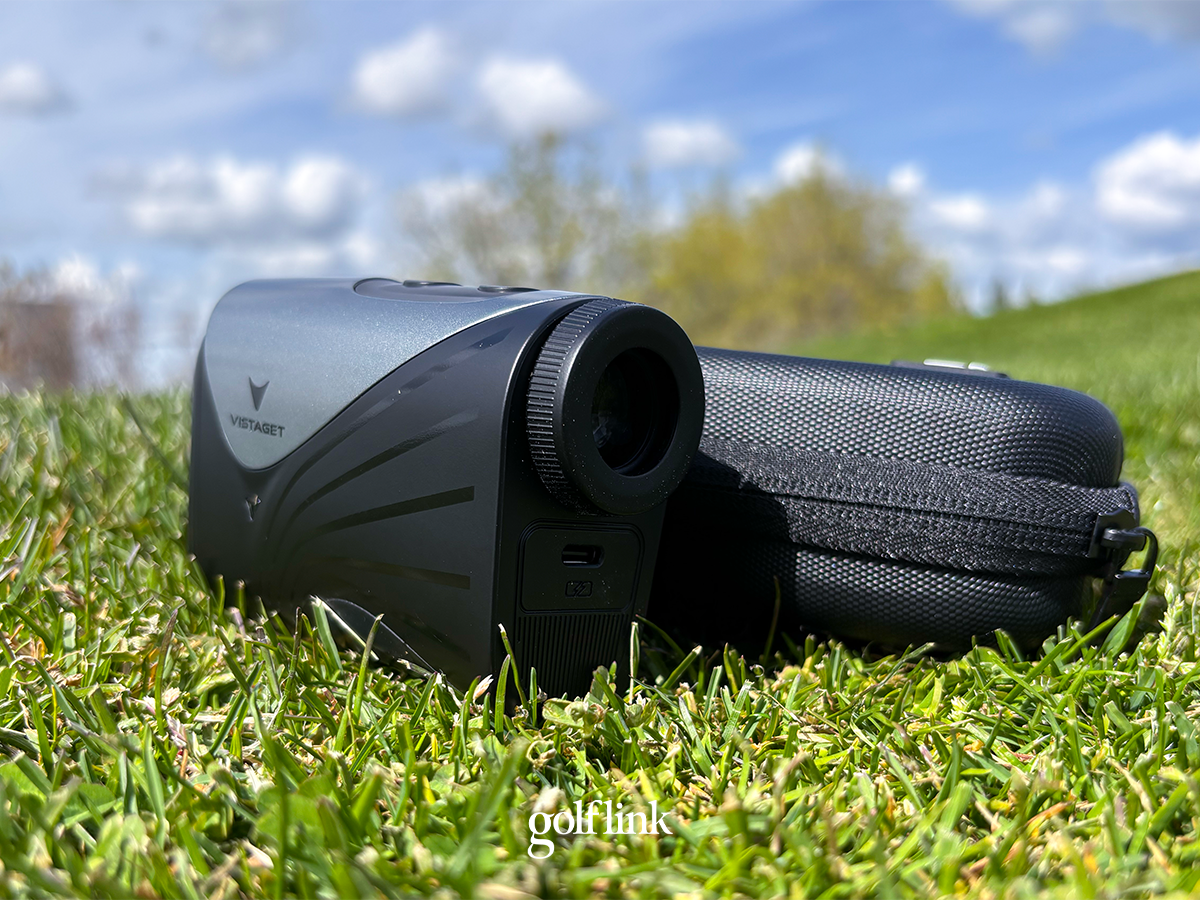
The Vistaget Golvia Ultra is rated IP65, which means it’s completely dust-proof and protected against water jets. That’s more than enough to protect it from any elements you’d consider playing golf in.
Who is it For
I’ve reviewed all types of rangefinders, from units that pair with an app to hybrid units to cheap point and shoot options. With all that in mind, I’d recommend the Vistaget Golvia Ultra to players who want high-level functionality without any on-course hassle.
With a little leg work up front to input your club distances, you get the perks of club recommendations, triangulation, environmental compensation, premium optics, and precise accuracy, with no on-course hassle or connectivity.
While the $299 price tag doesn’t put the Golvia Ultra in our budget rangefinder category, it outperforms its price.