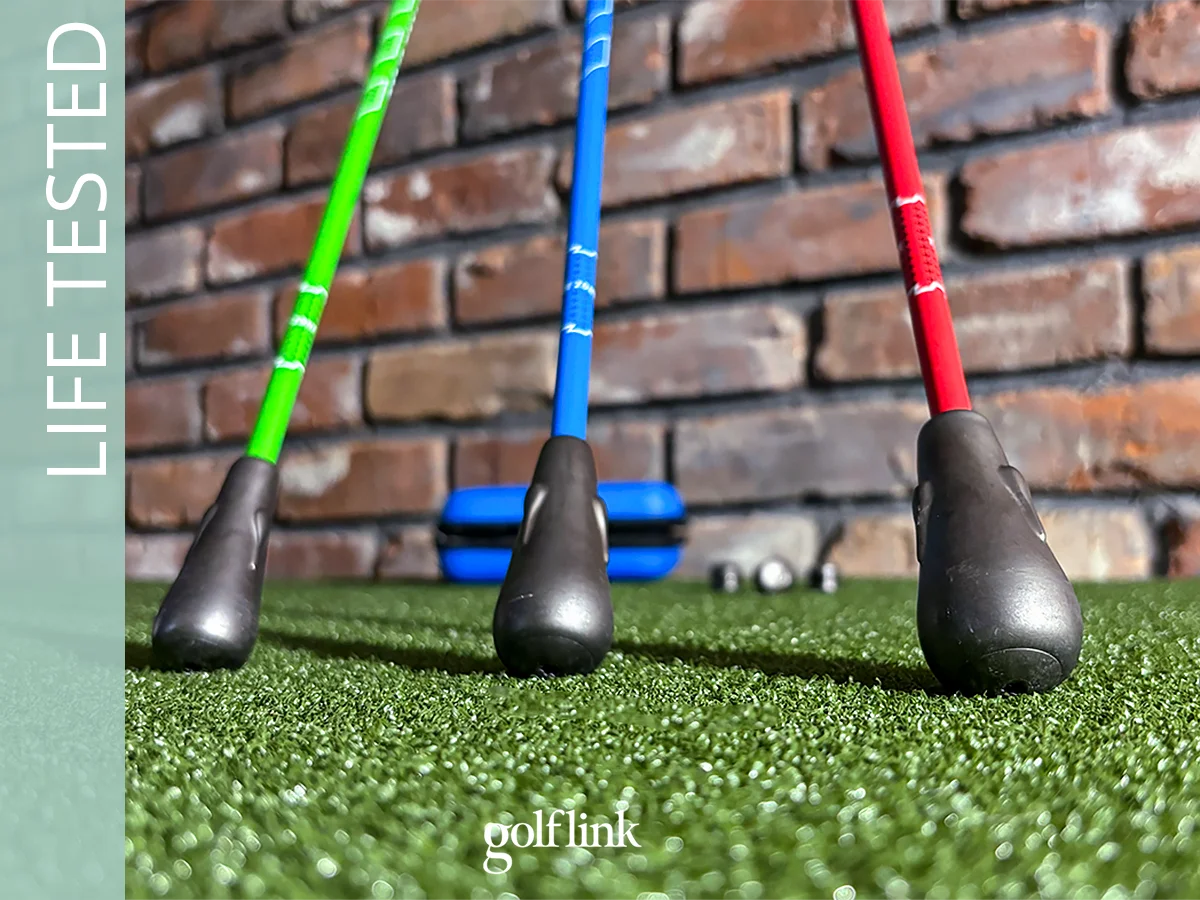

Most launch monitors tell you what the ball did. The NeoPace G10 Pro wants to tell you why, and what to do about it.
It pairs three cameras and a radar with a 3D replay of your swing after every shot, then layers an AI coach called TrainerIQ on top. That adds a swing lesson to the launch monitor in one portable box, for $899 on Kickstarter.
I tested it at home and shot for shot against my SkyTrak ST Max. The most important numbers were as close to the ST Max as I've seen from any unit at this price. The part that's supposed to fix your swing is an intriguing add-on that can make practice more focused and productive over time, even if it won’t replace a swing coach for golfers serious about game improvement.
Here's where the G10 Pro earns its modest (for the category) price and where you might need to take a leap of faith.
How We Tested the NeoPace G10 Pro
I judged the G10 Pro on its two promises: are the numbers trustworthy, and does the coaching actually help you improve? I tested it indoors over three sessions.
- First session: Getting to know setup, pairing, the 3D Replay and the data screens.
- Follow-up session: A session dedicated to exploring TrainerIQ and scrutinizing the data using various clubs.
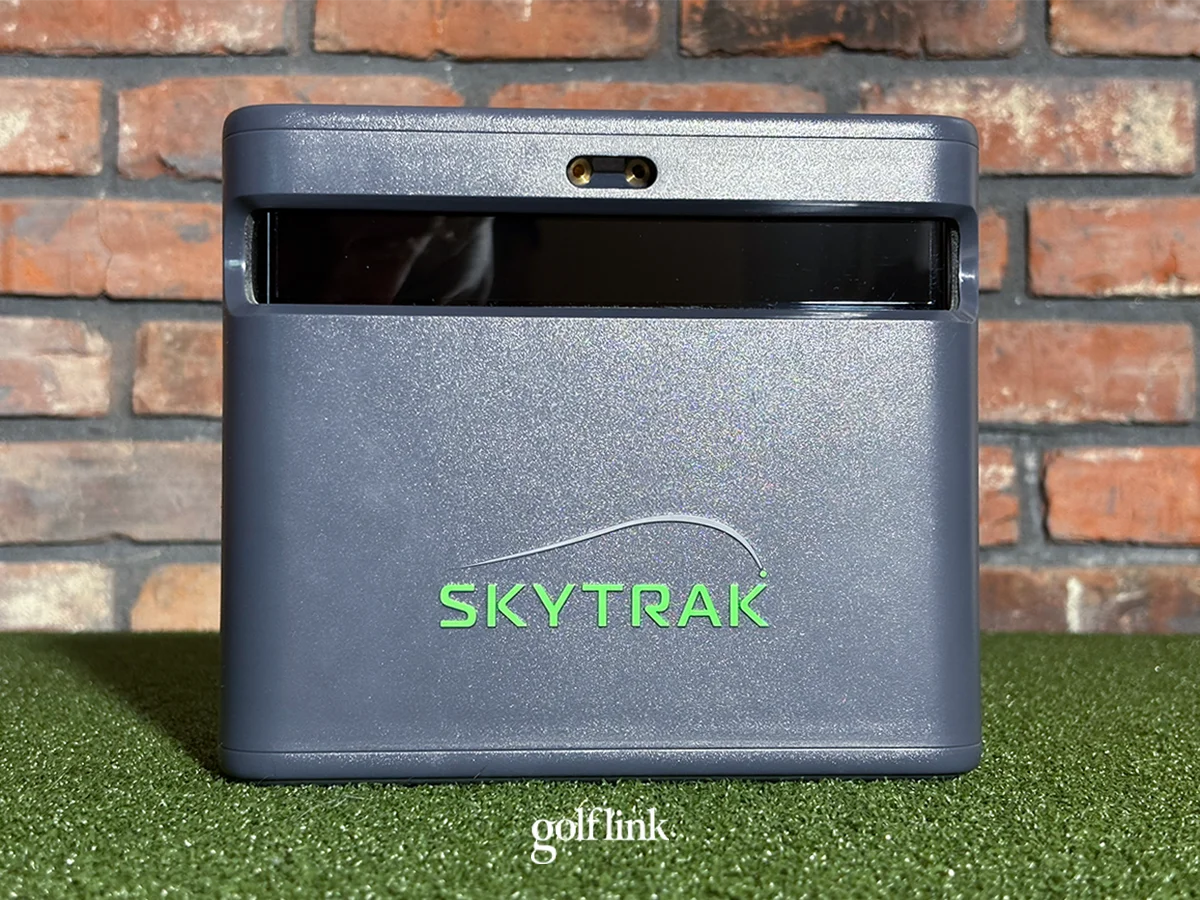
- Side by side with a SkyTrak ST Max. Both units tracked the same shots using marked balls, which help camera-based units read spin.
The ST Max is my baseline, not an opponent. I've used it all season, and my sense for what numbers to expect based on strike is pretty dialed in, so it gives me a reliable reference point for every number the G10 Pro reports.
The NeoPace G10 unit I tested is a pre-production sample. NeoPace says it's still refining both the software and hardware ahead of the mass-production version. Some features weren't live during testing, including the face-on camera view. I tested what's there today, not what's promised.
NeoPace G10 Pro Specs & Features
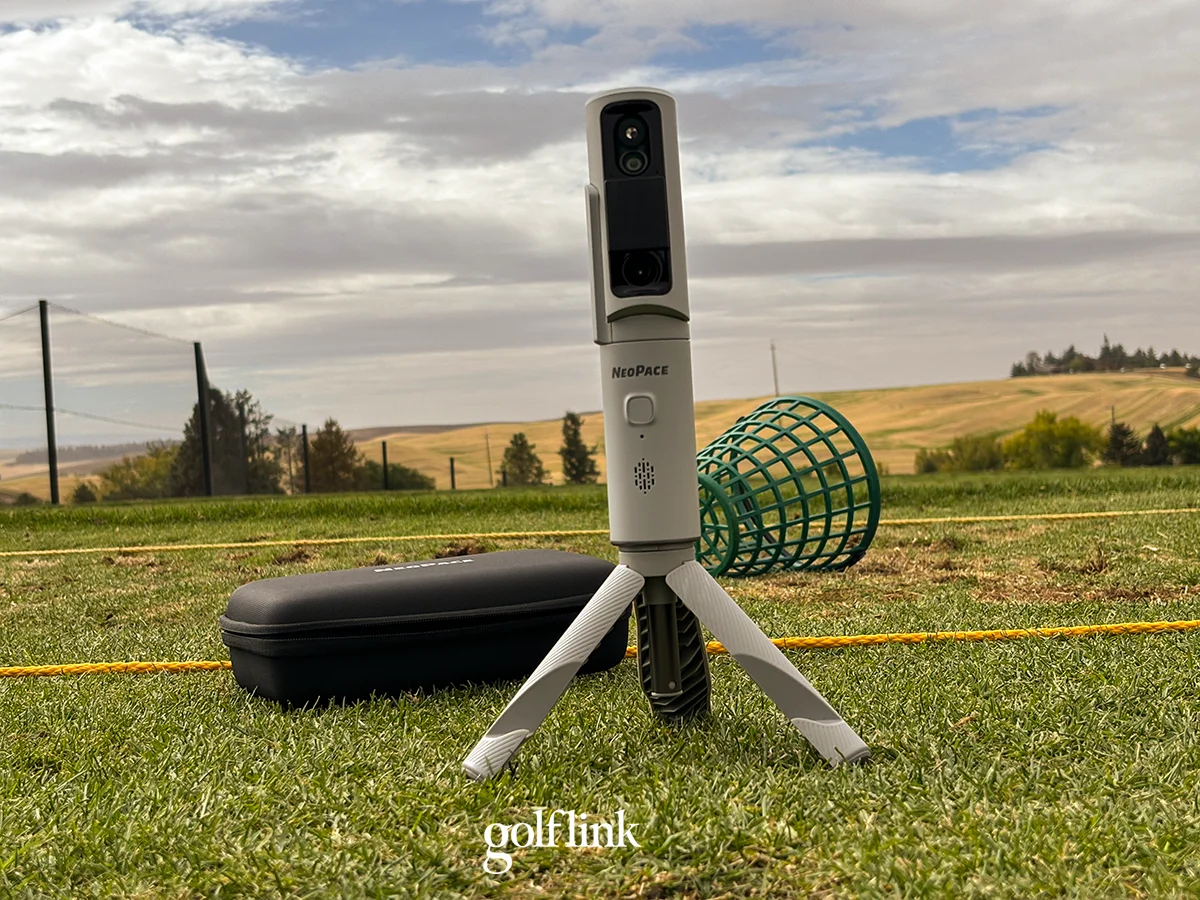
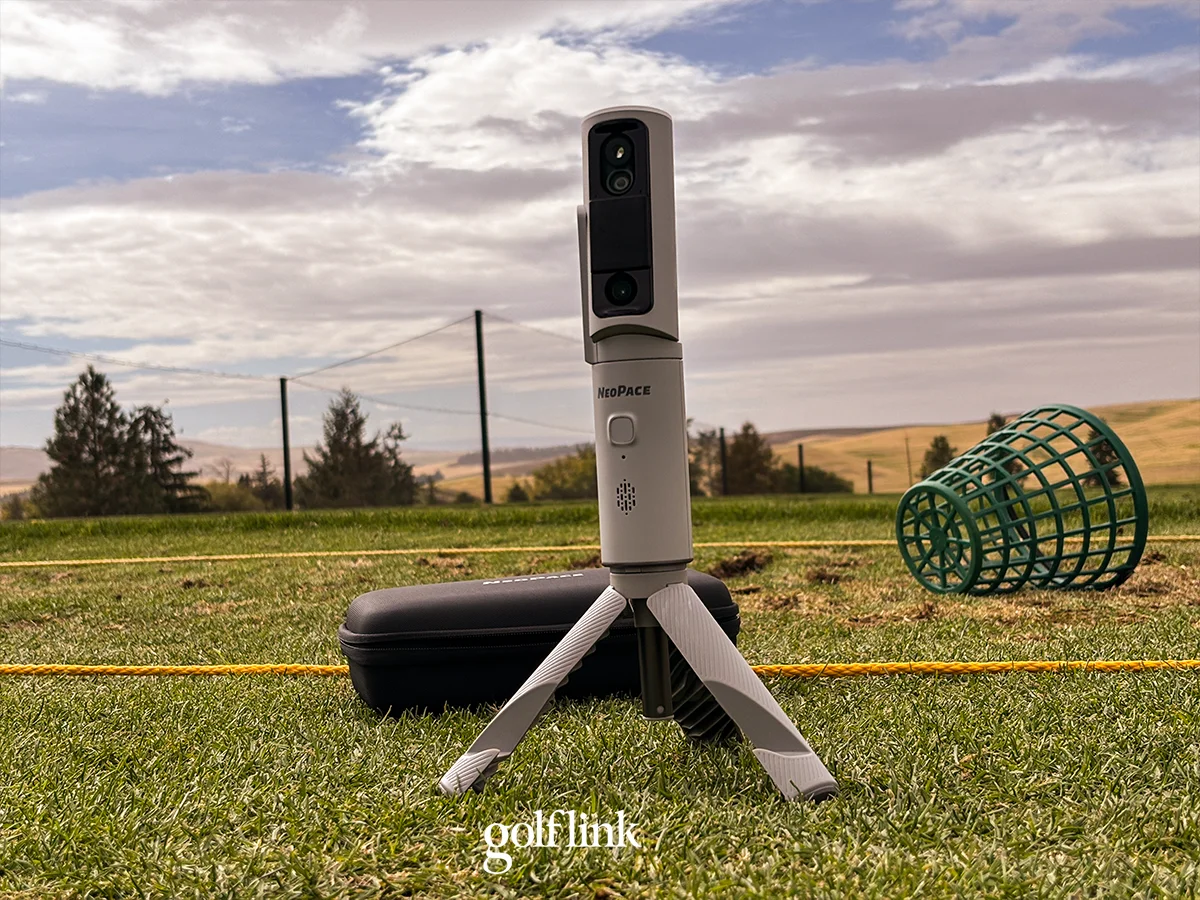
The G10 Pro combines three cameras with a Doppler radar. The cameras track the ball, the club and your body; the radar adds ball flight. It runs through an app on your phone or tablet, and the camera adjusts to find the ball before every shot.
The headline features are 3D Replay, which rebuilds your swing as a 3D model you can rotate; and TrainerIQ, an AI coach that reads your body and ball data and tells you what to work on.
- Price: $899 (Kickstarter early bird), $1,499 planned MSRP
- Technology: Three cameras + 24GHz Doppler radar
- Metrics: 49 total: 22 ball and club, 27 body
- Battery: About 4 hours; 1.5-hour fast charge
- Setup: 4.3 - 5.9' behind ball
- Sim software: GSPro and Creative Golf (third-party fees may apply)
- Subscription: None required for core features
- Availability: Kickstarter; shipping scheduled for November 2026
Accuracy & Data
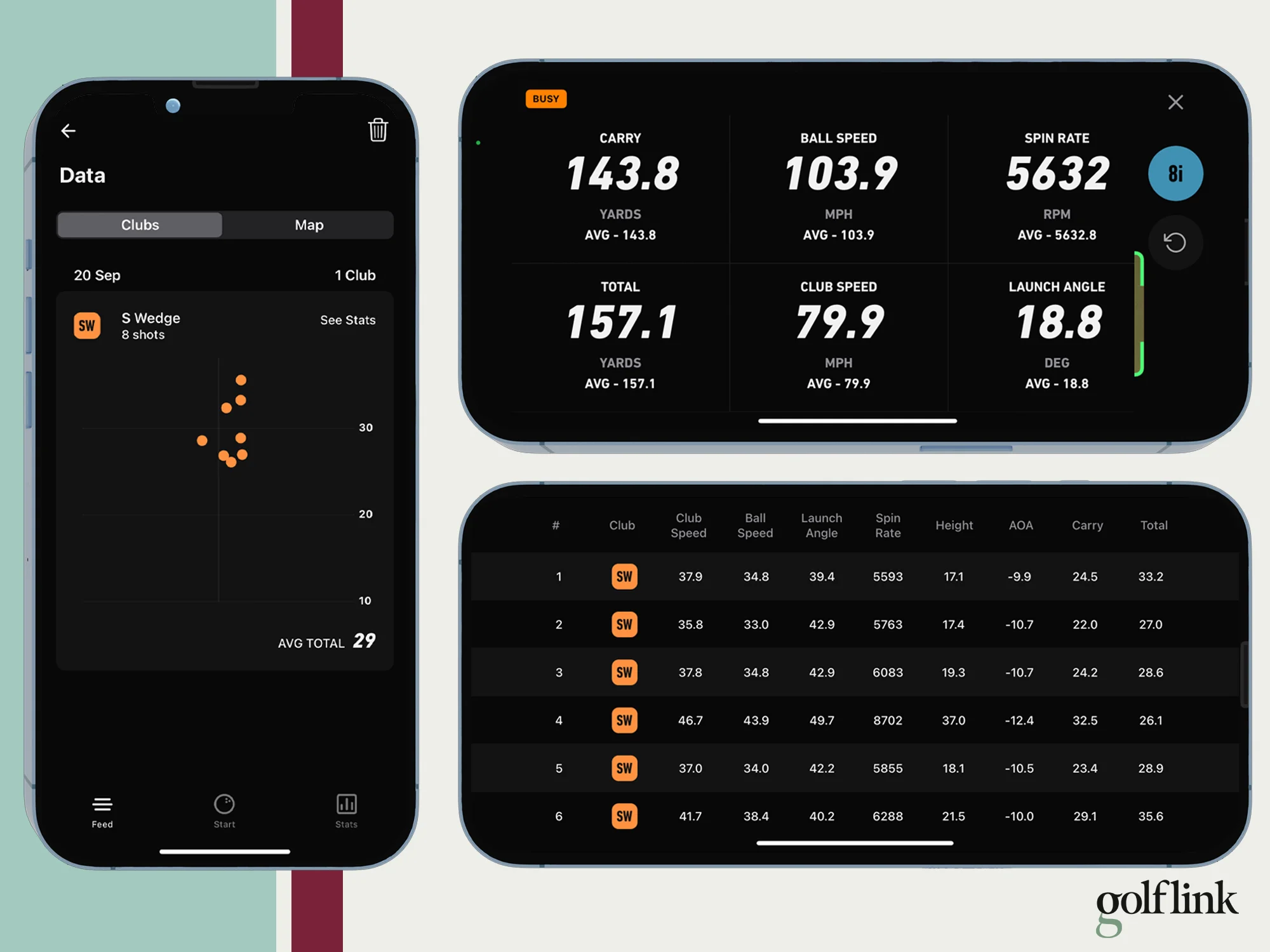
Accuracy is where the G10 Pro shines. Head to head with the SkyTrak ST Max, the important numbers were nearly identical, shot after shot. Ball speed, spin rate and carry distance were consistently replicated from one device to the other.
I'll admit I went in skeptical, especially after seeing a -14° attack angle during my first test session. It’s safe to say that raised some red flags.
But when I set it up along with the ST Max and let both units read the same shots, on the numbers that matter most, the G10 Pro proved to be bang on.
- Ball speed was within 1-2 mph on every shot. (The G10 Pro reports to a decimal; the ST Max rounds to whole numbers, so some of that gap is just rounding.)
- Carry distance was usually within 1.5 yards.
- Spin was very often within 100 RPM, and always within 200 RPM with marked balls.
Those are impressive numbers for any launch monitor, let alone one at this price. The G10 Pro also returns its reading faster than the ST Max.
Attack angle is the exception. Across my sessions it ranged from -19.8° to +4.2°, which is essentially impossible. I'd ignore that number until a firmware update proves it's reliable. Attack angle is an excellent metric, especially for players looking to improve or stay sharp during the offseason, but the lack of a reliable number here isn’t a deal-breaker in my opinion. It’s more of a luxury lost.
Because each unit missed a shot or two during the comparison, which were never the same ones, the sessions don't line up cleanly, so I don't have a head-to-head shot-by-shot comparison. But from watching the data swing after swing: on ball speed, distance and spin, the two units agreed.
A caveat on marked balls: my comparison used the marked balls that come with the NeoPace G10, and that's when the spin numbers were tightest. If you plan to hit unmarked balls or range balls, expect a little more variance.
My issue with the three marked balls that come with the unit, however, is that their makeup (cover, construction, compression) is unknown. They’re just generic balls, which is a detail that I think players making this type of investment into their game care about.
3D Replay and TrainerIQ
The 3D Replay is fascinating. TrainerIQ, the part that's supposed to turn it into improvement, isn't ready to replace a lesson, but it is an alternative for players who aren’t going to invest in lessons.
I’ll start with TrainerIQ. It gives good guidance and fundamentals that stick. For example, in my first session testing TrainerIQ, it pointed out my early extension, and suggested I focus on keeping my hips back through impact. That’s probably advice we’ve all heard before, yet it’s sound feedback that is applicable to my current swing, and it’s stuck with me ever since the app suggested it.
It also suggested at one point that I focus on keeping my head still. I know not every instructor agrees with that as a blanket statement, but I’ll admit it’s sound advice for my swing. Still, not earth shattering, and probably not the thing that’s going to get me to the next level, but the concept is that if golfers can stack these fundamental improvements on top of each other, they’ll build a more consistent and effective swing.
TrainerIQ is not fast, however. It works best between sessions when you can turn swing clips into 3D models and let it evaluate movement and provide feedback. It’s not as effective as an in-session coach because of the couple minutes required to turn a swing clip into feedback. You could use it that way if you’re focused more on fewer, higher-quality reps, but otherwise, getting feedback between sessions is the way to go.
On to the 3D Replay, which replays your swing after every shot and can load a 3D model of the swing as well. It exposed a few moves in my swing that were clearly holding me back, and it lets you compare feel vs. real with data instantly. Try a move, see if it showed up, check what the ball did.
It’s good feedback, and it’s addicting. That can be good or bad. Obsessing over positions is more likely to hurt in the immediate term than help. Doing so when you have a tee time tomorrow could send you spiraling. At least that’s how I felt after spending 15 minutes trying to make my swing look better on replay, only to realize ball striking was getting worse and worse with every shot.
I'll dig into it in the offseason, when I don't need to maintain a functional swing for the weekend. If you’re the type of player who is going to obsess over how your swing looks, just note this could be a rabbit hole.
User Experience
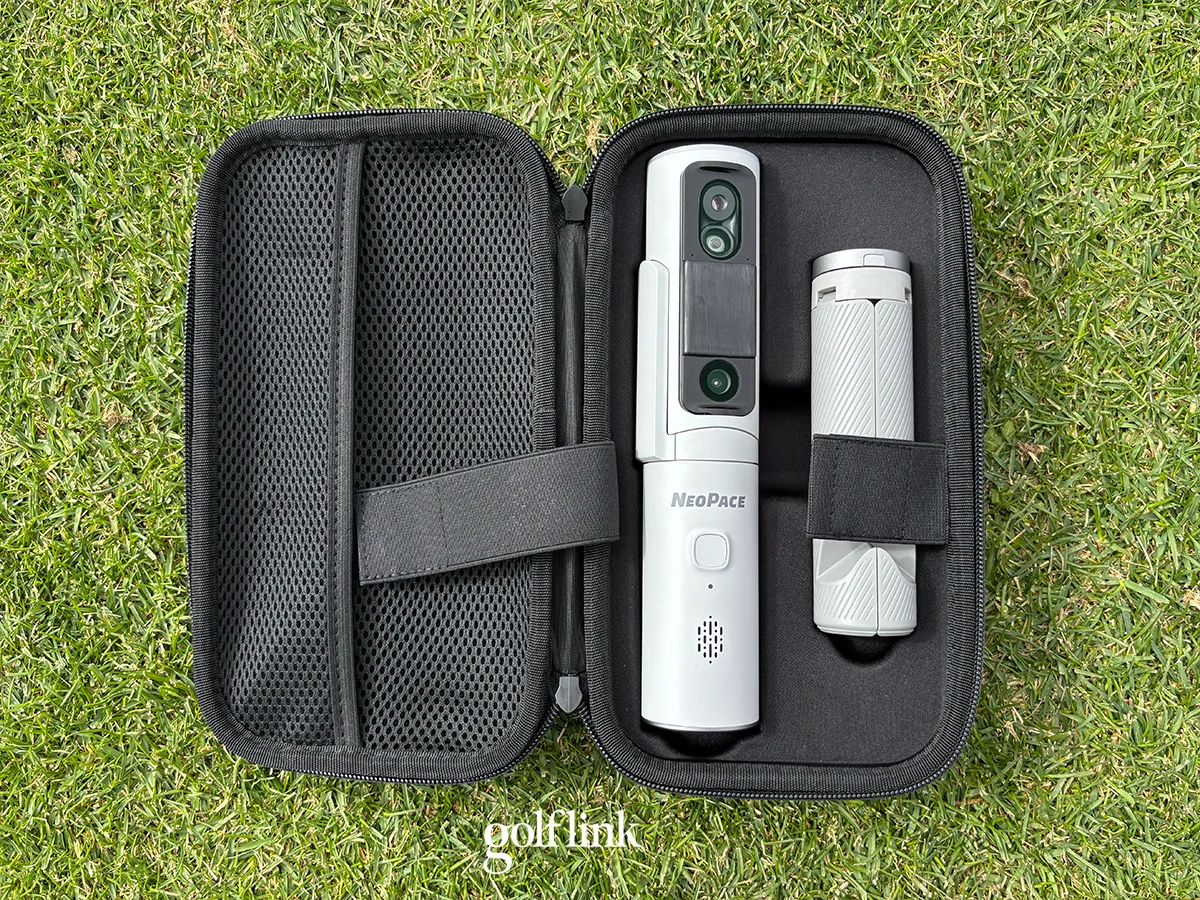
The G10 Pro's ball data is easy to trust. Getting to it is a chore.
One thing it does well: the camera moves to pick up the ball on every shot, so you aren't fussing over ball placement. That's a real convenience over units that need the ball in an exact spot.
The rest of the experience, based on the pre-production unit I tested, is not polished yet.
- Pairing. I’d like to see this become smoother. It usually took me a couple of tries to pair the app with the unit. In my first session, the connection dropped and I could never get it back.
- Tracking. In my first session, stray balls nearby caused it to miss shots. After I cleared them, it tracked most shots, but later stopped finding the ball completely.
- No ball flight on your phone. You need an HDMI connection from your phone or iPad to a screen to see ball flight. Otherwise you're limited to numbers, not ball flight, between shots.
At $899 or $1,499, losing tracking partway through a session is the biggest concern. Having to restart or reconnect a launch monitor repeatedly is the last way you want to spend your golf practice time, which, for most people I know, is already a limited resource.
This, however, is exactly the type of issue that can be smoothed out as the unit gets more software and firmware updates.
Price and Value
At the $899 Kickstarter price, you get excellent ball data plus a functional coaching layer that isn’t a standard feature with most launch monitors.
Based on my testing, the G10 Pro's accuracy holds its own at that price, and no subscription is required for core features. The 3D Replay is also a bonus at this price.
But the coaching is a big part of what you're paying for, and for players serious about improving their games, I’d caution that it’s good, but not great yet.
Keep in mind this is a Kickstarter. You're backing a product that's scheduled to ship in November 2026, not buying one off a shelf. Some features, like the face-on view, aren't live yet.
Who Should Consider It (and Who Shouldn't)
Consider the G10 Pro if you want trustworthy numbers and a closer look at your swing:
- You want ball data that tracks closely with a premium home launch monitor
- You're curious about your swing mechanics and have the discipline to use a replay without overthinking
- You're comfortable backing a Kickstarter and waiting on promised features
- You'll use it for offseason swing work, when chasing positions won't cost you on the course
Consider something else if:
- You want an AI coach to replace lessons. It won't, at least not yet.
- You want ball flight on your phone without connecting to a bigger screen
- You need a unit that tracks every shot in a long session without restarts
The bottom line: the G10 Pro's ball numbers are the real deal. Its pitch as a swing coach is a fascinating concept with an encouraging foundation, but not a replacement for lessons today.