Troubleshooting an E-Z-GO Speed Controller: What You Need to Know

Here is a step-by-step guide to troubleshooting your possible speed controller issue.
Flip the Maintenance Switch
Both types of E-Z-GO controllers have a maintenance switch which should be flipped when servicing or troubleshooting. The switch is under the seat and should be changed to "Tow-maintenance" mode.
Reconnect the Battery Cable
Disconnect the black battery cable (negative) from the battery, open the cover to the speed controller and then reconnect the negative battery cable.
Inspect Wires and Check Voltage
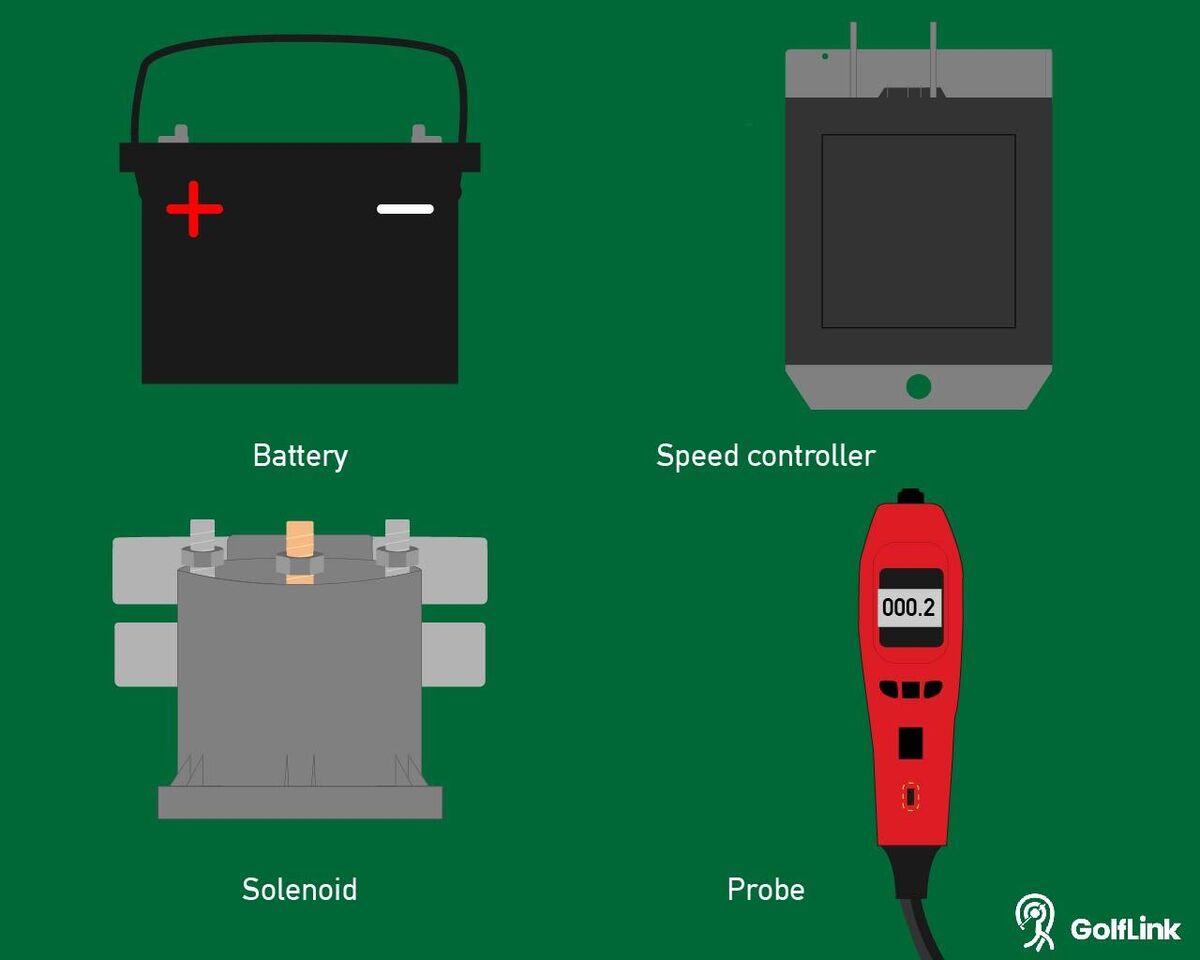
Inspect all wires to ensure that they are attached and well connected, there are no breaks, corrosion or interference with the wires. Take the reading of the battery voltage by connecting the positive and negative probes to the battery. Write down the voltage reading.
Test the Solenoid
Place the positive probe on the solenoid post that is closest to the battery. The reading should be equal to battery's voltage. If not, there is a wiring issue in the solenoid.
Connect the positive probe to the other post and take a reading. If the voltage is not at least three volts less than the voltage reading for the battery, the resistor must be replaced.
Check Power Output From the Controller
Connect the negative probe to the controller's M terminal and positive probe to the B+ terminal. Press the accelerator and watch to see if the voltage increases. It should increase from a reading of 0 to the full voltage of the battery. If the motor is not turning, the problem may be in the directional switch or motor. If there is no voltage, the controller is bad and must be replaced.
Next Steps
It's important to remember that if you are not fully confident in the work you are trying to perform on your E-Z-GO golf cart, consult with your local E-Z-GO dealer to be sure your work gets done properly.